Troubleshooting Wi-Fi Dead Zones in Large Homes
An exhaustive 800-word masterclass on identifying network bottlenecks, optimizing router placement, and deploying enterprise-grade Mesh systems to eradicate Wi-Fi dead zones permanently.
Network Technician
Contributor & Technical Writer
Identifying the Culprits of Wi-Fi Dead Zones in Large Homes
In this article, we analyze the core concepts of Wi-Fi dead zones to help you build a reliable, high-performance home system. Furthermore, there is nothing more universally frustrating in the modern digital age than stepping into a specific room in your house—perhaps a back bedroom or the basement—only to watch your smartphone helplessly drop its Wi-Fi connection and revert to cellular data. Specifically, these localized areas of zero connectivity, known colloquially as "dead zones," are the bane of modern smart home electronics. As a result, before you can implement a permanent fix for a dead zone, you must first understand the physics of what causes it.
Wi-Fi signals are, at their core, simple radio waves. Meanwhile, like all radio waves, they are bound by the laws of physics and possess distinct physical limitations. Subsequently, when a Wi-Fi signal leaves the antennas of your router, it begins to degrade immediately. Consequently, physical obstructions accelerate this degradation exponentially. Therefore, thick internal walls (especially older homes built with brick, solid concrete, or lath and plaster), massive metal appliances like refrigerators or HVAC units, and even large bodies of water (such as substantial indoor fish tanks) act as massive physical barriers. Additionally, they can either absorb the radio waves entirely or reflect them haphazardly, severely reducing the signal's usable range and strength before it can reach your electronic devices. Consequently, managing Wi-Fi dead zones is critical for achieving optimal speeds.
Optimizing Router Placement: The Geometric Center
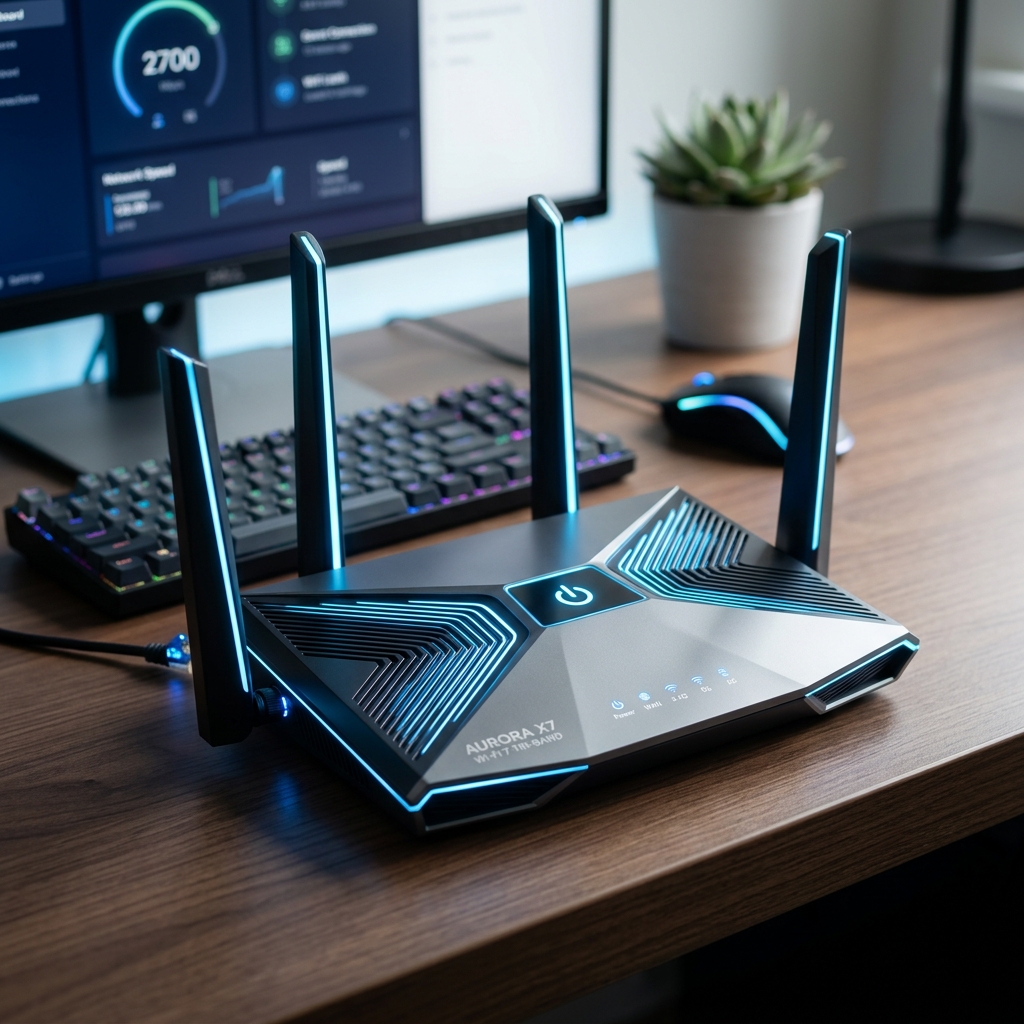
Before spending a single dollar on new networking hardware, you must address the most common cause of poor Wi-Fi coverage: sub-optimal router placement. Because internet lines (coaxial or fiber) usually enter a house at the perimeter, many homeowners leave their router in the basement, hide it inside a media closet, or shove it behind a massive flat-screen television in the living room corner.
This placement immediately cripples the router's ability to broadcast its signal evenly across the property. However, your primary router should ideally be placed in the exact geometric center of your home. In addition, it should be elevated off the floor (such as on a high bookshelf or mounted to a wall) to broadcast downwards and outwards. Furthermore, it must be kept strictly away from physical obstructions and, crucially, away from other electronic devices that emit competing electromagnetic radio frequencies, such as microwave ovens, cordless telephones, or dense clusters of Bluetooth peripherals.
Hardware Solutions: The Failings of Extenders
If optimizing your router's physical placement fails to resolve the dead zones, hardware intervention becomes necessary. Specifically, historically, the default solution was purchasing a cheap Wi-Fi Extender (also known as a repeater). As a result, these are small, plug-in devices designed to grab the existing, weakened Wi-Fi signal and rebroadcast it further into the home.
While extremely budget-friendly, extenders are deeply flawed electronics. Because they use the same radio to both receive and transmit data simultaneously, they inherently cut your total network bandwidth in half. Furthermore, they often force you to create a completely separate network name (SSID), such as "HomeNetwork_EXT". Additionally, this means as you walk from the living room to the bedroom, your smartphone will stubbornly cling to the weak primary router signal until it completely disconnects, forcing you to manually switch to the extender's network in your phone settings. Furthermore, it is a clunky, outdated experience.

The Definitive Solution: Mesh Wi-Fi Systems
For modern, large homes heavily reliant on smart electronics, a Mesh Wi-Fi system is the only definitive, professional-grade solution. Therefore, a mesh system abandons the centralized "single router" model entirely. Instead, it consists of a primary router node connected to your modem, paired with several satellite nodes distributed throughout the house.
These nodes communicate with each other dynamically using a dedicated, hidden radio frequency known as a "wireless backhaul." This ensures that the primary speeds are never cut in half as data bounces between nodes. Meanwhile, more importantly, mesh systems create a single, unified wireless network. Subsequently, as you move from the kitchen to the garage, the mesh system's software intelligently monitors your smartphone's signal strength and automatically, seamlessly hands off your connection to the nearest, strongest node in milliseconds. Consequently, you will never experience a drop, and you will never need to switch networks manually.
The Powerline Networking Alternative
If you encounter a particularly stubborn dead zone—such as a detached guest house, a concrete-walled basement, or a workshop located 100 feet from the main house—where even a premium mesh node struggles to connect wirelessly back to the primary router, you must consider Powerline networking.
Powerline adapters are ingenious electronics that utilize your home's existing electrical copper wiring to transmit digital internet data. Specifically, you plug the first adapter into a wall outlet near your router and connect them via an Ethernet cable. As a result, you plug the second adapter into a wall outlet located deep within the dead zone. However, the data travels through your electrical circuits, completely bypassing the physical walls and floors that block Wi-Fi. In addition, the second adapter can then provide a physical Ethernet port for a gaming PC, or even broadcast an entirely new Wi-Fi signal, permanently solving the dead zone issue.
To learn more about related technologies, check out our guide on best mesh Wi-Fi systems. Furthermore, for additional industry resources and guidelines, visit the official PCMag technical reviews. Consequently, managing Wi-Fi dead zones is critical for achieving optimal speeds.
Conclusion
Eradicating Wi-Fi dead zones is absolutely crucial for maintaining a frustration-free digital experience, especially as we rely increasingly on bandwidth-hungry smart electronics distributed throughout every corner of the home. Consequently, start by attempting to reposition your primary router to a high, central location. Therefore, if physical barriers prove insurmountable, skip the outdated extenders and invest in a high-quality, Tri-Band Mesh Wi-Fi system. Additionally, it is the most reliable, elegant way to guarantee seamless, wall-to-wall gigabit coverage.
Share this guide