The Ultimate Guide to Setting Up a Home NAS
Ditch expensive cloud subscriptions by building a Network Attached Storage (NAS) system to centralize your media and secure your data.
Data Storage Expert
Contributor & Technical Writer
What is a Home NAS (Network Attached Storage)?
In this article, we analyze the core concepts of home NAS to help you build a reliable, high-performance home system. Subsequently, as the files generated by our electronics grow larger—4K videos, massive game libraries, and high-resolution raw photos—local storage quickly runs out. While cloud services like Google Drive or Dropbox offer a solution, they require expensive monthly subscriptions and rely on your internet connection. Consequently, a Network Attached Storage (NAS) device is essentially a private cloud located in your own home. Therefore, it is a dedicated micro-computer containing multiple hard drives, plugged directly into your router, making massive amounts of storage available to every device on your network.
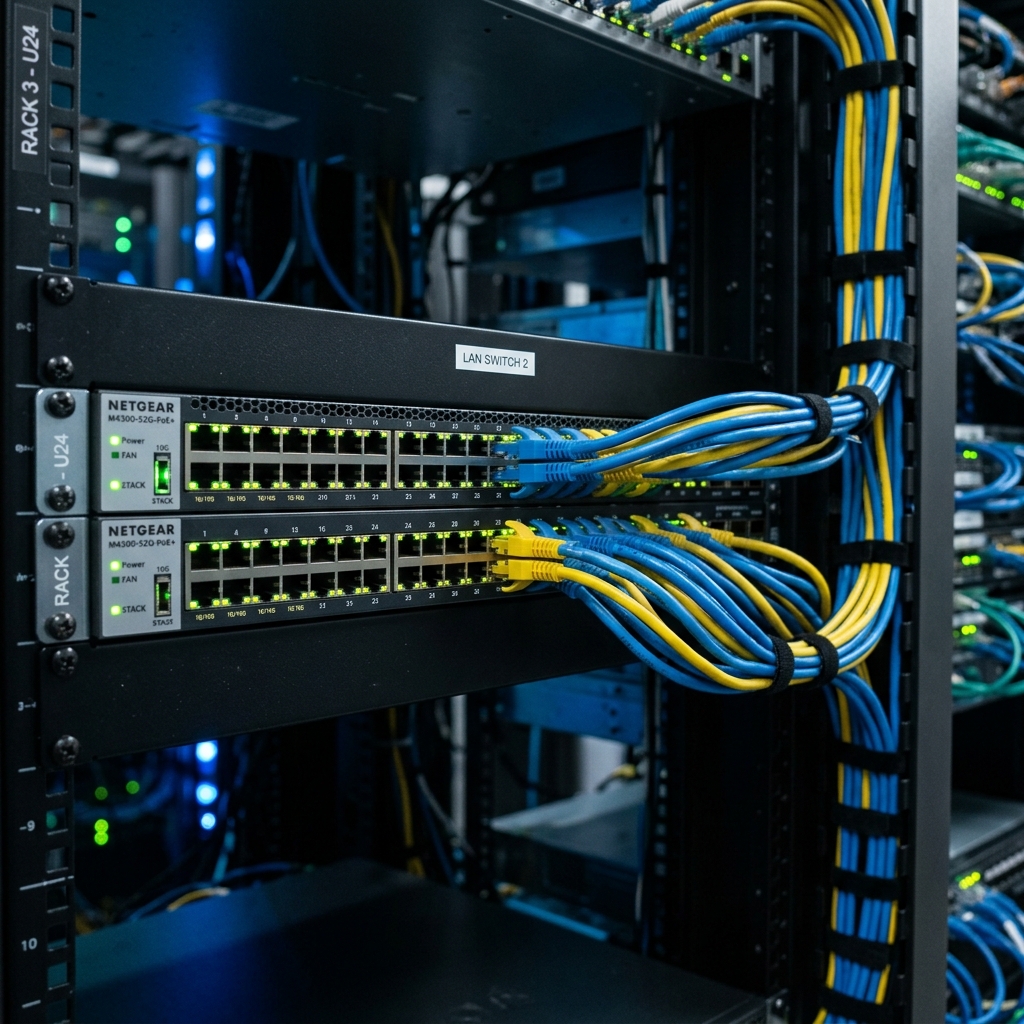
Data Redundancy with RAID
The greatest advantage of a NAS is data security through RAID (Redundant Array of Independent Disks). Specifically, if you store your irreplaceable family photos on a single external hard drive and that drive fails, the data is gone forever. As a result, a NAS uses multiple drives working together. However, if you configure them in RAID 1, the NAS automatically mirrors your data across two identical drives. In addition, if one drive physically breaks, your data is perfectly safe on the second drive. Meanwhile, for more storage, RAID 5 uses parity across three or more drives, protecting your data even if one drive crashes. Consequently, managing home NAS is critical for achieving optimal speeds.
Media Streaming Capabilities
Beyond backups, a NAS acts as a powerful media server. Therefore, by installing software like Plex on your NAS, it can organize your ripped movies, TV shows, and music into a Netflix-style interface. Additionally, your smart TV, smartphone, or tablet can then stream this media directly from the NAS over your local Wi-Fi, completely bypassing the need for an external internet connection. Furthermore, this provides buffer-free, direct streaming at full quality.

Frequently Asked Questions (FAQ)
Q: Can I access my NAS files when I am away from home?
A: Yes. Modern NAS OS systems (like Synology DSM) include secure cloud-connector features (e.g. QuickConnect) that let you log in and download your files from anywhere in the world.
Q: What is the difference between a NAS drive and a standard PC hard drive?
A: NAS drives (like WD Red or Seagate IronWolf) are engineered to run 24/7 inside hot, vibrating server enclosures, whereas standard PC drives are designed for intermittent daily use.
Q: What is the 3-2-1 backup strategy?
A: Keep 3 copies of your data: 2 stored on different local media (e.g. your computer and your NAS) and 1 copy offsite (e.g. a cloud server or a physical drive kept at a friend's house) for absolute safety.
To learn more about related technologies, check out our guide on cloud computing for personal electronics. Consequently, for additional industry resources and guidelines, visit the official Synology storage systems. Consequently, managing home NAS is critical for achieving optimal speeds.
Conclusion
Investing in a NAS from reputable brands like Synology or QNAP requires an upfront cost for the enclosure and the hard drives. However, it pays for itself by eliminating monthly cloud storage fees, providing unparalleled data security through RAID redundancy, and serving as the ultimate entertainment hub for your smart home electronics.
Share this guide