Guide to Buying the Right Ethernet Switch
Running out of ports on your router? Learn how an Ethernet switch can dramatically expand your wired network capacity for electronics.
Hardware Enthusiast
Contributor & Technical Writer
When Your Router Isn't Enough
In this article, we analyze the core concepts of ethernet switch to help you build a reliable, high-performance home system. However, most standard Wi-Fi routers provided by ISPs come with a meager four Ethernet LAN ports on the back. In addition, for a modern electronic enthusiast with a smart TV, a gaming console, a desktop PC, and a Network Attached Storage (NAS) drive, those ports are instantly occupied. Meanwhile, to hardwire additional devices and ensure they receive maximum, stable speeds, you need to expand your network's physical capacity using an Ethernet Switch.
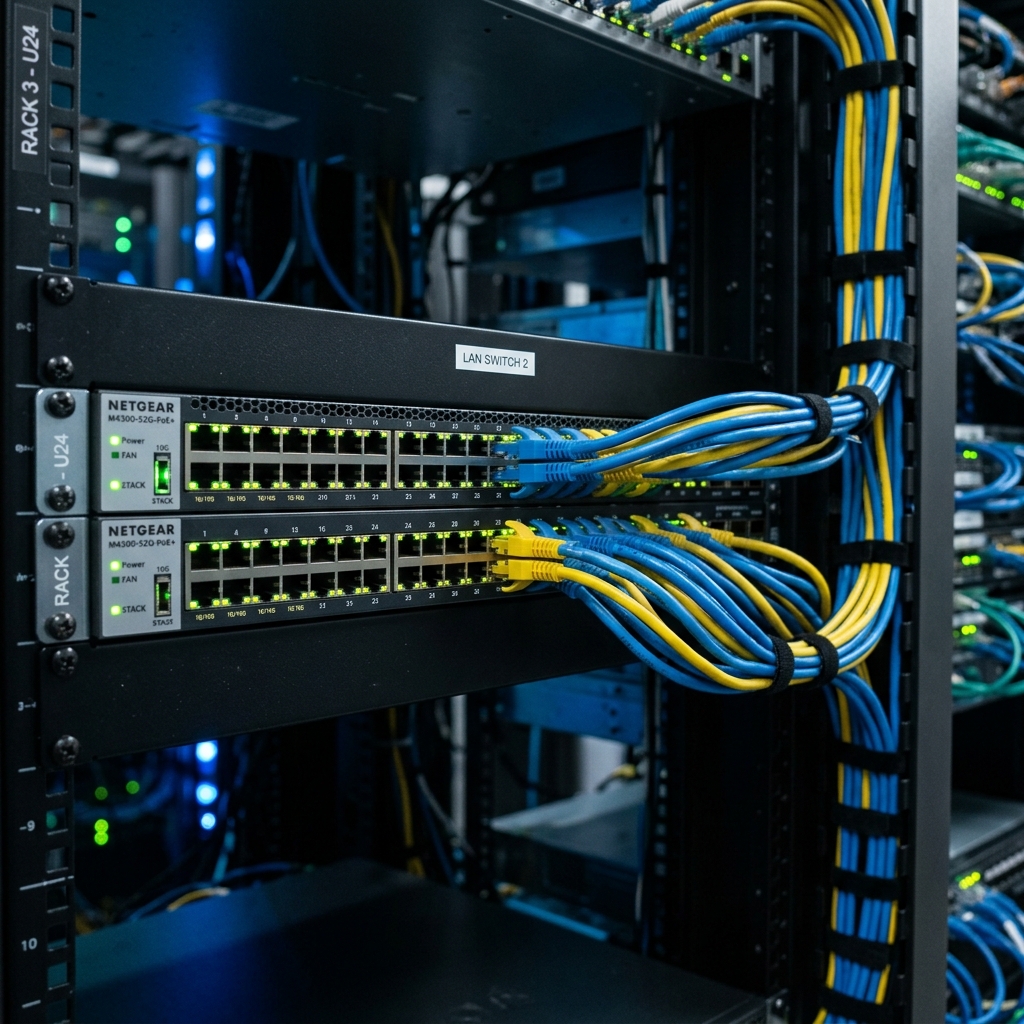
Unmanaged vs. Managed Switches
For 95% of home users, an Unmanaged Switch is the perfect solution. Specifically, they are "plug and play" devices requiring zero configuration. As a result, you simply plug a single Ethernet cable from your router into the switch, and instantly gain 4, 8, or 16 additional ports for your electronics. Managed Switches, on the other hand, offer advanced features like VLAN tagging, Quality of Service (QoS) rule assignment, and port mirroring, which are intended for IT professionals managing complex corporate networks and are unnecessarily complicated for standard home use. Consequently, managing ethernet switch is critical for achieving optimal speeds.
Gigabit vs. Multi-Gigabit Speeds
When purchasing a switch, bandwidth capacity is crucial. Additionally, a standard Gigabit switch (10/100/1000 Mbps) is incredibly affordable and perfectly sufficient for standard 4K streaming and gaming. However, if your ISP provides speeds exceeding 1 Gigabit, or if you frequently transfer massive video files between computers and a local NAS drive, you should invest in a Multi-Gigabit (2.5G or 10G) switch to prevent the switch itself from becoming a bottleneck in your network. Furthermore, check your cabling too—you will need at least Cat 6 cables for 10Gbps transfers over longer distances.

Frequently Asked Questions (FAQ)
Q: Does plugging devices into a switch slow down my internet connection?
A: No. Unlike old "hubs," modern network switches send data packets directly and exclusively to the target port, preventing network collisions and maintaining maximum bandwidth speeds.
Q: What is Power over Ethernet (PoE) in switches?
A: PoE switches supply electrical power through the Ethernet cable itself. This lets you power electronics like security cameras or Wi-Fi access points directly through the network cable without needing wall adapters.
Q: Do I need a special Ethernet cable to connect my router to the switch?
A: No. A standard Cat 5e or Cat 6 Ethernet cable will connect your router to the switch. The switch will automatically configure the link speed (a feature called Auto-MDI/MDIX).
To learn more about related technologies, check out our guide on choosing the best ethernet cables. Therefore, for additional industry resources and guidelines, visit the official Cisco home networks. Consequently, managing ethernet switch is critical for achieving optimal speeds.
Conclusion
An Ethernet switch is a cheap, highly effective piece of hardware that guarantees your most important electronic devices remain hardwired, stable, and fast. Consequently, by choosing a simple unmanaged Gigabit switch, you can permanently eliminate the frustration of running out of router ports.
Share this guide