How to Boost Internet Speed for Competitive Gaming
Learn how to optimize your network settings, reduce ping, and eliminate packet loss for the ultimate lag-free gaming experience.
Esports Hardware Specialist
Contributor & Technical Writer
Why Latency Matters and How to Boost Internet Speed
In this article, we analyze the core concepts of boost internet speed to help you build a reliable, high-performance home system. Consequently, when it comes to competitive online gaming, massive download speeds are largely irrelevant once the game is installed. Therefore, the true metric of a gamer's network is latency, commonly referred to as "ping." Ping is the time it takes for a packet of data to travel from your console or PC to the game server and back. Additionally, high latency results in "lag," where your actions are delayed on the screen, putting you at a severe disadvantage. Furthermore, gamers should aim for a ping below 30ms to maintain competitive viability in fast-paced lobby environments.
The Golden Rule: Use an Ethernet Cable
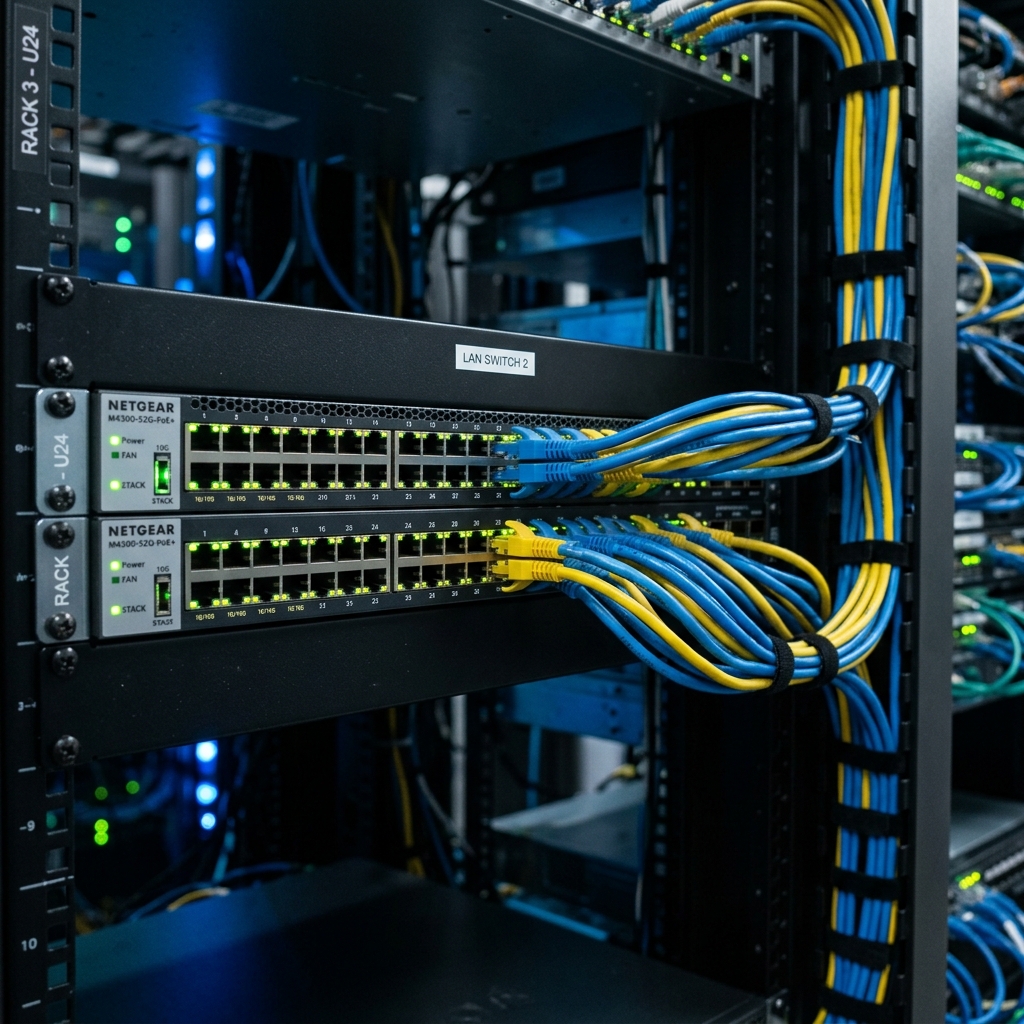
Wi-Fi is susceptible to interference from walls, microwaves, and even your neighbor's router. In addition, this interference causes "packet loss" (data that gets lost in transit and must be re-sent), resulting in stuttering gameplay. Meanwhile, connecting your gaming device directly to your router using a Cat 6 Ethernet cable eliminates wireless interference entirely, providing a rock-solid, incredibly low-latency connection. Subsequently, even high-end Wi-Fi 6 routers cannot match the physical stability of copper wire connectivity. Consequently, managing boost internet speed is critical for achieving optimal speeds.
Quality of Service (QoS) Optimization
If you live in a household where multiple people are streaming Netflix or downloading large files while you play, your gaming packets will get stuck in traffic. Furthermore, modern gaming routers feature a setting called Quality of Service (QoS). Specifically, qoS allows you to prioritize gaming traffic over all other types of data on your network. As a result, by enabling QoS and setting your PC or console as the highest priority, your game packets skip the queue, ensuring smooth gameplay even on a congested network. However, another tip is using a fast public DNS resolver (such as Cloudflare's 1.1.1.1 or Google's 8.8.8.8) which reduces domain name resolution latency during server matchmaking.

Frequently Asked Questions (FAQ)
Q: Does a higher download speed reduce my in-game ping?
A: Not directly. Once you have enough bandwidth (usually 15-25 Mbps per gamer), extra download speed won't lower your ping. Ping depends entirely on the distance to the game server and network routing.
Q: What is a good ping value for competitive shooters?
A: Under 20ms is considered excellent, 20ms to 50ms is average and highly playable, while anything above 100ms will cause noticeable delays and disadvantageous gameplay.
Q: How do DNS servers affect gaming?
A: DNS does not affect your actual in-game ping once connected. However, custom DNS like Cloudflare (1.1.1.1) speeds up the lookup times required to find the gaming server initial connection, resulting in faster matchmaking menus.
To learn more about related technologies, check out our guide on high-speed internet for smart electronics. Additionally, for additional industry resources and guidelines, visit the official Ookla Speedtest. Consequently, managing boost internet speed is critical for achieving optimal speeds.
Conclusion
Achieving the perfect gaming network requires hardware optimization. Consequently, ditch the Wi-Fi for an Ethernet connection, enable QoS on your router, and ensure you are connecting to game servers geographically closest to your physical location. Therefore, these steps will dramatically reduce your ping and eliminate frustrating lag spikes.
Share this guide